
Faceless Product Proof
Let the product take the lead, with no twin photos needed.
See a free preview image of your product (your start frame) before spending credits. Use your twin or keep it faceless. Approve the credit cost, then render and download.
Video rendering waits for your approval. You download and post.
Preview free. 1 credit renders one 6 to 8 second silent clip; 3 credits render one 6 to 8 second talking clip.
Your face is yours, and we never train models on your uploads. Delete My Twin & Voice Vault removes your stored photos, voice clips and rooms from your Studio vault (see Privacy Policy).

Interactive example: buttons demonstrate how approval works.
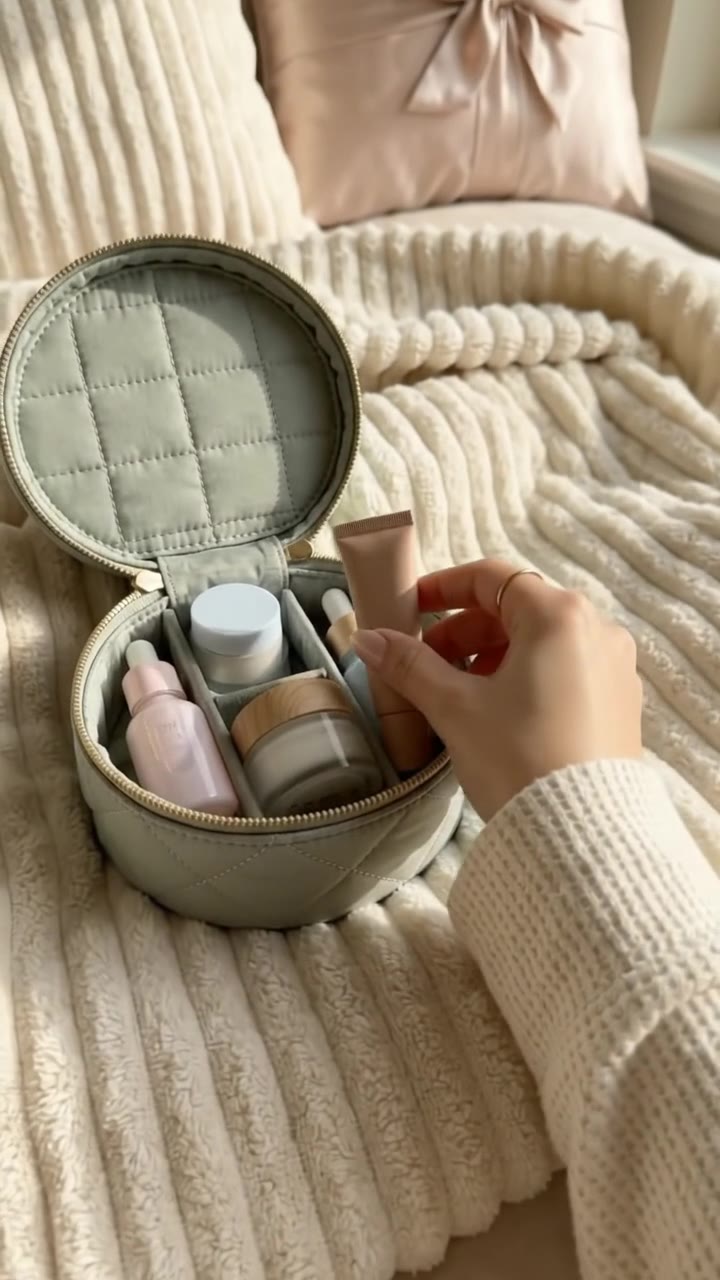
Play a finished 6 to 8 second clip below. Multi-clip 18 to 20 second edits total the individual clips you approve.
Let the product take the lead, with no twin photos needed.
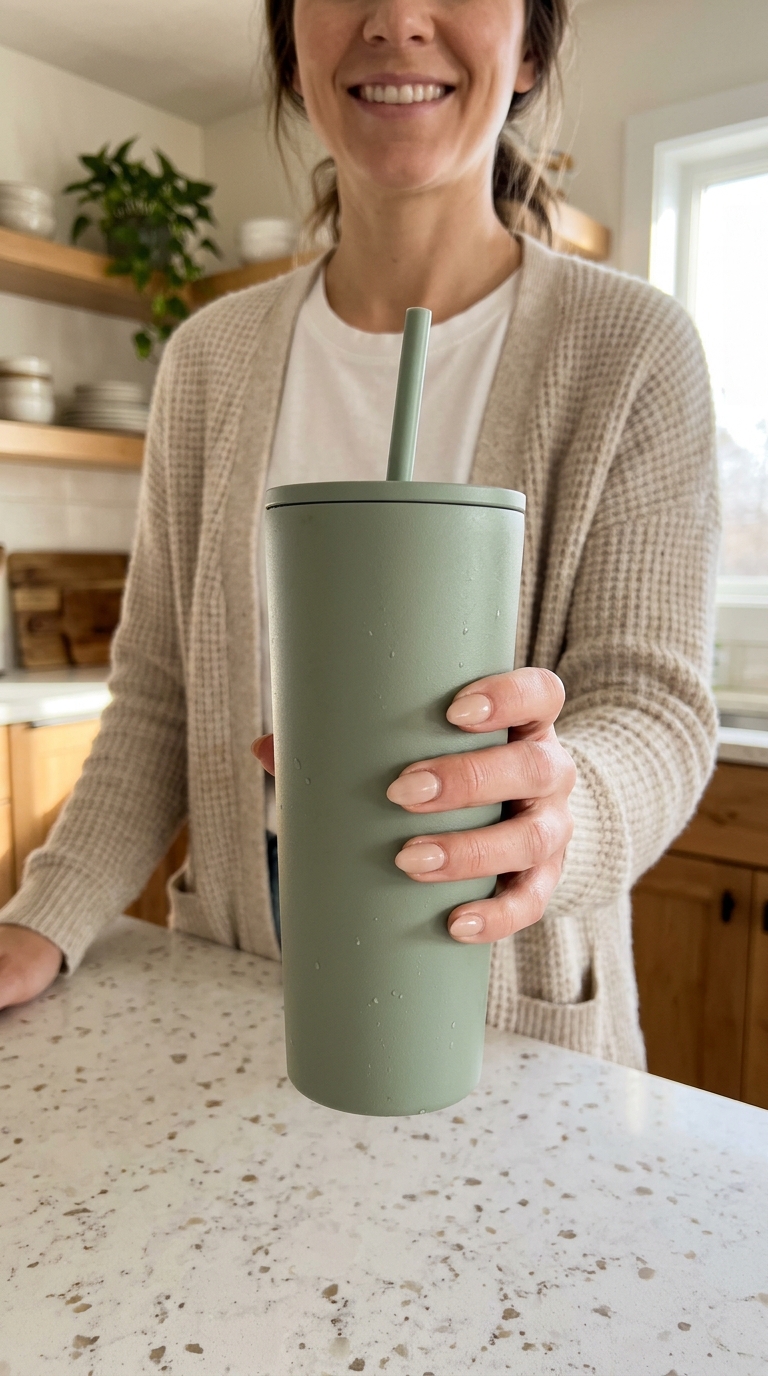
Single-clip product placement check in natural side window light.
Preview assets shown separately from finished video clips.
Preview image of 2 Pack Ribbed Iced Coffee Glasses in side window light before paid video rendering.
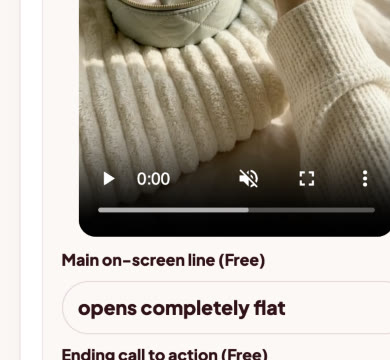
Talking clips pair a locked creator look with spoken voice audio (3 credits per 6 to 8 second talking clip). Play the spoken voice sample below:
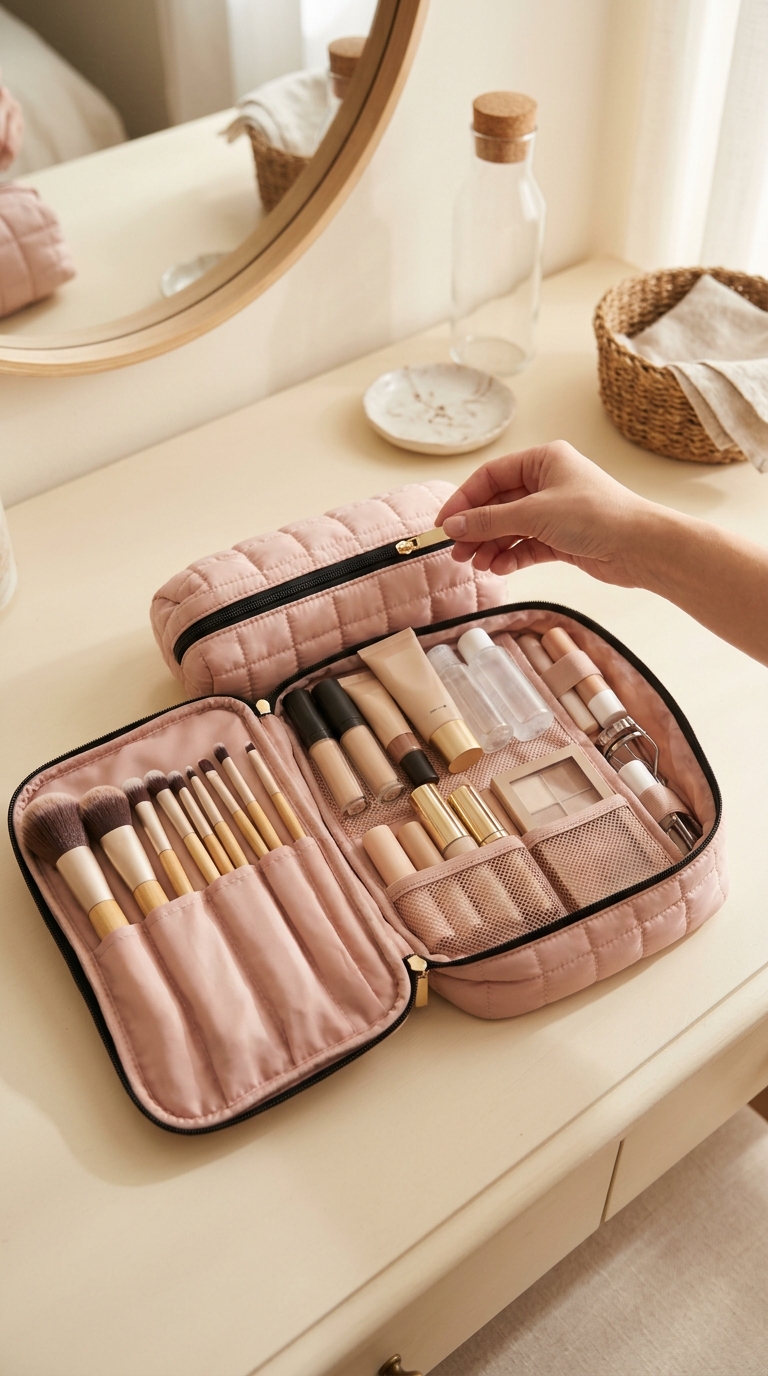
“Here is a quick sample voice preview. Everything stays visible right on the counter, and zips shut in two seconds flat.”
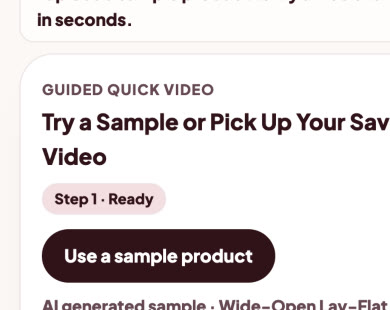
Choose a product and see your start frame image for $0. Prefer faceless product videos? Skip twin photos.
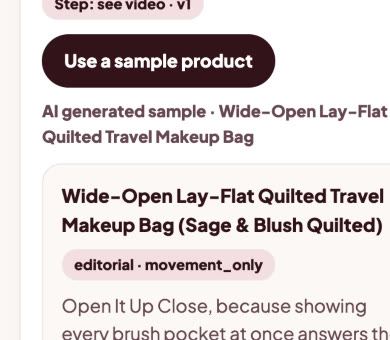
See the exact render cost, then decide. Messy Bun prepares the video, script, quality checks, caption and file download.
Open TikTok on your phone, tap Add Product, attach the exact item and color, keep the AI label on and post.
AI videos include “AI generated video” and “#ad, I earn commission.” Keep the platform’s AI label on when you post.
Add four to six daylight selfies and record sixty seconds of your voice inside Studio. Or keep it faceless and let the product do the talking.
Pick your days, delivery time and gentle pace. Autopilot prepares product picks, scripts and free start frames for your review.
Use the twin split format to compare the everyday way with your new find in a split frame.
Choose fresh scripts, rooms, hooks and angles for each video. Quality checks look at product match, hands and placement before delivery.
When a render hits a confirmed failure, reserved credits return automatically to your Studio balance; if a connection drops mid-check, Studio reconciles your active job first so you are never charged twice.
1 credit renders one 6 to 8 second silent clip. 3 credits render one 6 to 8 second talking clip. Assembled multi-clip videos total the clips you approve.
Launch promo through Monday, November 30, 2026: enter code MESSYBUN at Stan checkout for 20% off your first month on Starter or Pro, or 20% off one-time setups.
Up to 3 separate look, voice and room profiles inside your Studio seat.
Up to 50 single talking clips (6 to 8s) or 150 single silent clips (6 to 8s) per month.
More monthly credits across up to 10 creator profiles in your Studio seat.
Up to 120 single talking clips (6 to 8s) or 360 single silent clips (6 to 8s) per month.
Daily Autopilot, Approve Inbox, room builder, voice cloning, both Claude Skills, quality checks and storage.
Unused credits roll over while your subscription stays active (up to 300 total credits on Starter and up to 720 total credits on Pro). Failed renders return reserved credits automatically.
Done For You Twin Setup is $197 one time. Complete your automatic intake form inside Studio with four to six photos and a sixty second voice note. Your twin, rooms and voice are calibrated within 5 to 7 business days after intake submission (Monday through Friday, excluding US holidays). Includes one tweak round and 15 test credits (enough for 5 single talking clips or 15 single silent clips).
Prefer the Claude setup? The one time $47 Claude Skills Pack includes 10 bonus credits.
Monthly memberships renew automatically through Stan Store. You may cancel anytime at least 24 hours before your next renewal date through your Stan Store receipt or customer portal and keep full access through the end of your paid billing period. All sales are final once credits unlock; see Terms & Refund Policy.
Messy Bun Studio is not affiliated with or endorsed by TikTok, Amazon or any brand.
Studio only: Starter is $67 a month. Pro is $129 a month. You do not need a separate avatar, voice, image, video or editing app, or a Claude subscription, to use Studio.
Optional Claude connection: Connecting Claude is optional. Videos made from Claude use your same Messy Bun Studio credits. Free Claude works when you ask it yourself. Scheduling tasks inside Claude requires a paid Claude plan. Claude Pro is $20 a month, or $200 billed annually, displayed by Anthropic as $17 a month with annual billing. Anthropic bills that subscription separately for your own Claude usage, and Claude usage limits apply.
Monthly comparison: Starter plus monthly Claude Pro is $87 a month before any applicable tax. If you choose extra credit packs, their price is shown before you approve the purchase.
Claude pricing checked November 25 2026.
No. Autopilot prepares free preview images (start frames) and waits for your approval before video rendering. You download your finished video and post it yourself.
No. You can try a free start frame preview first. Faceless product videos do not need twin photos. When you want a twin, add four to six daylight selfies and record sixty seconds of your voice inside Studio.
When a render hits a confirmed failure, your reserved credits return automatically to your Studio balance; if a connection drops while a job is still running, Studio reconciles that active job first so you are never charged twice. Tell us what looks wrong in plain words, and we show any fix cost before anything is charged. Remaking just one moment of a video is coming soon.
We never train models on your uploads, and your photos, voice sample and rooms stay isolated in your private member vault (retained while active and up to 30 days after cancellation so renewals keep your setup). Clicking Delete My Twin & Voice Vault purges your stored vault assets; active render requests transmit encrypted inputs to cloud inference providers under their API retention policies. Read Privacy Policy.
Download your video, open TikTok on your phone and tap Add Product. Choose the exact item and color, keep the AI generated content label on and post. Your caption includes “AI generated video” and “#ad, I earn commission.”
No. Autopilot runs inside Studio. The optional Claude connection uses your same Messy Bun Studio credits. A Claude subscription, if you choose one, is billed separately by Anthropic.
Unused monthly credits roll over while your subscription stays active, up to a maximum balance of 300 credits on Starter and 720 credits on Pro.
Monthly memberships renew automatically through Stan Store. You may cancel anytime at least 24 hours before your next renewal date through your Stan Store receipt or customer portal and keep full access through the end of your paid billing period. All sales are final once credits unlock. Read Terms & Refund Policy for the full terms.
Preview for $0. Decide before you render.
Try Free Start FrameVideo rendering waits for your approval. You download and post.